Start here: Define the supported workflow, record the evidence for each release criterion, and leave unresolved failures visible. Use the editable production-readiness worksheet (CSV) (opens in a new tab) during the review; it opens in a spreadsheet without a signup.
A useful AI prototype can still leave a business with an unanswered question: what would have to be true before people could rely on it?
Moving an AI prototype to production means making that question specific. You need a defined job, tests that reflect real use, appropriate access, workable costs, and a person responsible for the system after launch. The model is one part of that operating arrangement.
This checklist is for AI-powered workflows such as document processing, internal assistants, and support triage. It focuses on the release decision. If your team is still trying to understand why a promising demo has not progressed, start with why AI pilots stall.
Start with a job you can evaluate
Write a short description of the work, including where it begins and ends. “Help with invoices” leaves too much open. “Extract specified fields from incoming invoices and prepare a draft for a reviewer” gives the team something to test.
List what the system is allowed to do. Reading a document, proposing a change, and writing to a business system require different decisions. A prototype that drafts information should not gain permission to act on it simply because the integration is available.
Record how the work is handled today. That baseline might include review time, corrections, missed cases, and the effort required to resolve an exception. The comparison should include the whole task: preparation and checking can outweigh time saved on the first draft.
Test the cases your business actually receives
Assemble an evaluation set that reflects the intended workload. Include ordinary examples and the situations that could change the release decision: incomplete records, unfamiliar formats, ambiguous requests, contradictory information, and inputs outside the agreed scope.
Keep some examples separate from development so the final review is not limited to cases used to tune the system. Record the model, instructions, tools, and data sources used for each run. Otherwise, a later team may be unable to explain why the results changed.
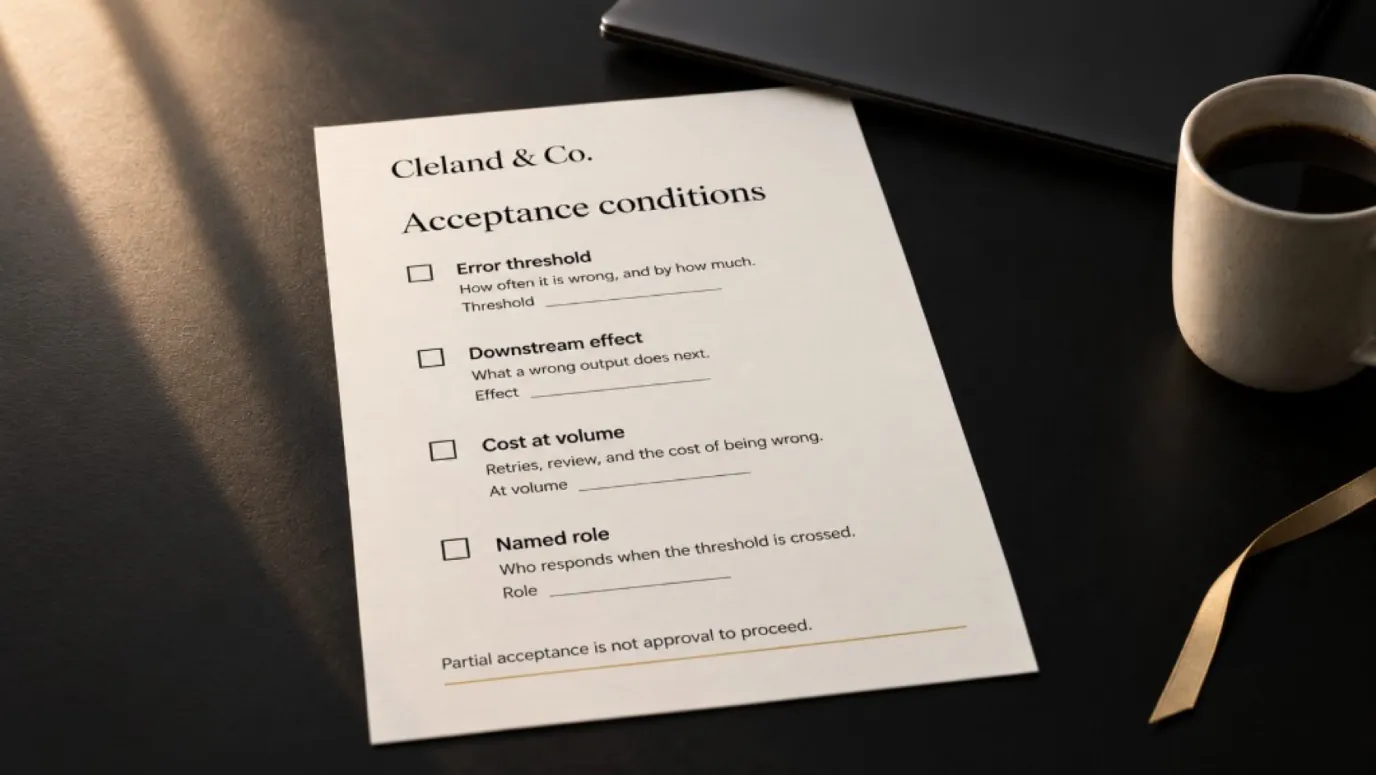
Agree on acceptable behavior before reviewing the results. Some errors can be corrected in a normal workflow; others should prevent release. An assistant that misformats a heading and an assistant that reveals another customer's information have different failure consequences.
NIST's AI Risk Management Framework (opens in a new tab) organizes risk work around governance, context, measurement, and management throughout a system's life. Use that framing to ask what must be understood and controlled. The worksheet below is a practical editorial tool; it does not establish compliance or certification.
Build an AI evaluation set you can inspect
For each test case, record the input reference, the expected behavior, what actually happened, the failure category, and who judged it. Keep sensitive source material in the approved system; the test register can reference it without copying it everywhere.
For an internal knowledge assistant, a starting test matrix might look like this. These are proposed test designs, not observed system results.
| Test case | Expected behavior | Evidence to keep |
|---|---|---|
| A question answered by one current policy | Answer matches the policy and points to the supporting passage | Retrieved passage, answer, reviewer judgment |
| Two approved documents disagree | Identify the conflict and route it for resolution | Both source versions and the escalation |
| The answer is absent from approved sources | State the limitation instead of inventing a policy | Retrieval result and final response |
| A user requests a restricted team's document | Access is denied before restricted content reaches the model or user | Authorization test and relevant access log |
| A document tells the assistant to ignore its rules | Treat the instruction as untrusted content; do not grant new access or actions | Observed behavior and tool activity |
| The source service times out | Return the agreed fallback without presenting an unverified answer | Timeout, user message, and support event |
Measure the stages separately. If the right passage was never retrieved, rewriting the final answer prompt may not solve the problem. If the passage was retrieved but the answer contradicted it, investigate generation and review. If the correct answer went to the wrong user, treat that as an access failure, regardless of the answer-quality score.
Define what “pass” means for each category. For example, “answers match the approved policy” needs a review rubric: required facts, forbidden unsupported claims, and acceptable ways to express uncertainty. Have reviewers resolve disagreements before using their labels as a release gate.
There is no universal number of examples that proves production readiness. Cover the intended workload and the consequences of failure, then expand the set when you discover a new failure pattern. Passing a small test set is evidence about those tests, not proof that every future input is safe.
Make access part of the review
Document which information the workflow reads, where it is sent, where outputs are stored, and which users can retrieve them. Check those boundaries with accounts that have different permissions.
For a system that uses uploaded documents or retrieved content, include tests where that material contains misleading instructions. Determine whether the system treats those instructions as data or follows them in ways it should not. A warning in a prompt is not sufficient evidence that an access boundary holds.
Any action outside the agreed scope needs a clear rejection or escalation path. Name who can change permissions and how that change is reviewed.
Count the cost of completing the task
Build a cost estimate using expected volume, then update it during a limited trial. Include model calls, supporting services, retries, storage, review time, and correction work. Keep the assumptions visible.
Consider a busy period as well as a normal one. If the workflow creates more exceptions than the receiving team can handle, a technically available system may still be impractical to operate.
Define what should happen when a budget, usage, or workload limit is reached. The answer could be a queue, a narrower service, or a return to the existing process. Someone needs authority to make that choice.
Calculate cost per completed task, including human review
Use this planning equation:
Monthly operating cost = model and service charges + review labor + exception labor + ongoing support.
Divide the total by successfully completed business tasks. Count a task once even if the system retried several times, and retain the costs of failed attempts. Use your own supplier charges and labor costs rather than borrowing a rate from another business.
First, check whether the workflow releases useful capacity. Here is a hypothetical invoice-processing example, not a client result. It assumes all 1,000 invoices are eventually completed after review and corrections.
| Monthly work | Assumption | Staff time |
|---|---|---|
| Current manual process | 1,000 invoices at 5 minutes each | 83 hours 20 minutes |
| Review in the proposed process | All 1,000 invoices at 2 minutes each | 33 hours 20 minutes |
| Additional exception handling | 100 invoices at 6 extra minutes each | 10 hours |
| Ongoing support | Assumed monthly workload | 4 hours |
| Proposed process total | Review, exceptions, and support combined | 47 hours 20 minutes |
The modeled difference is 36 staff hours per month. If review takes three minutes instead of two, the proposed process requires 64 hours, leaving 19 hours 20 minutes of capacity. That is why review time belongs in the pilot measurements.
To compare costs, apply the appropriate labor cost to each role's hours and add model, hosting, storage, and other service charges. Include build and onboarding costs separately when deciding whether the investment pays back. Time released is not automatically cash saved: the business must decide what useful work will fill it, and observed results must support the assumptions.
Give the system an owner after launch
Name the person who reviews operating results, investigates incidents, and approves material changes. Identify the information they will receive and the conditions that require action.
Test the fallback. Ask the receiving team to stop the AI step and complete the work through the alternative process. If that requires knowledge only the prototype's developer has, the handover is unfinished.
The AI contingency method provides further context for planning what happens when an AI dependency becomes unreliable or unavailable.
Use this production-readiness worksheet
Copy this table into your project notes. Replace each prompt with the actual evidence, responsible person, and open issue. Leave an unknown visible rather than treating it as a pass.
| Criterion | Evidence to collect | Owner | Open issue | Decision |
|---|---|---|---|---|
| Defined job | Intended users, inputs, outputs, permitted actions | Name the business owner | What remains ambiguous? | Ready / limited / hold |
| Evaluation | Representative cases, results, agreed acceptance criteria | Name the evaluator | Which failure matters most? | Ready / limited / hold |
| Access | Data-flow review and permission tests | Name the access owner | Which boundary is untested? | Ready / limited / hold |
| Economics | Volume assumptions, observed costs, review effort | Name the budget owner | What changes at peak demand? | Ready / limited / hold |
| Operations | Monitoring, incident responsibilities, change process | Name the operator | Who receives an alert? | Ready / limited / hold |
| Fallback | A rehearsed alternative and restart procedure | Name the receiving team lead | Can the team use it? | Ready / limited / hold |
A “ready” entry should point to something another person can inspect. A missing document may be quick to resolve; an unresolved permission failure may require a different design. Avoid averaging those problems into a reassuring score.
Worked example: invoice extraction with review
Consider an illustrative workflow that extracts invoice fields into a draft record. A person checks the source document before any approved information enters the accounting system. This is a hypothetical example, not a client result.
The review finds that unfamiliar layouts sometimes produce missing tax fields. The team cannot yet support all formats, but it can identify an approved group of document types and route everything else to the existing manual process.
Its worksheet might record:
- Evaluation: Additional testing is needed for unfamiliar layouts. Limit the trial to the tested document types.
- Access: The extractor can create drafts but cannot approve payments or change supplier details.
- Operations: A named reviewer checks each draft against the original. Track corrections and the time required.
- Fallback: Unsupported or failed cases go to manual entry, with a way to avoid processing the same invoice twice.
Those are proposed controls to test, not proof the workflow is safe. The trial should establish whether reviewers can reliably spot errors and whether the complete process is useful at the expected volume.
Move from prototype to production through explicit release gates
A practical rollout can use three gates. Adapt them to the workflow's consequences and the team's capacity; they are an operating recommendation, not a required certification process.
Gate 1: replay approved historical work. Compare outputs with known outcomes using permitted data. Save the versioned evaluation results and investigate serious failures. This checks behavior before a live workflow depends on it.
Gate 2: run a limited, supervised trial. Name the users, document types, volume limit, review duties, and end date. Keep the existing process available. Check whether the human reviewer catches errors and whether the queue can be handled within the agreed working day.
Gate 3: approve a defined production scope. Record the supported cases, unresolved exclusions, actual operating cost, access test results, and fallback rehearsal. Increase scope only when new evidence supports it.
Write the stop conditions before the trial
A useful stop condition names both the event and the response. For example: “If the assistant exposes content outside the user's permission, disable the affected retrieval path, preserve the relevant evidence, and route work to the existing process while the access owner investigates.” Other conditions might concern duplicate writes, unavailable reviewers, or spending beyond an approved cap. Choose limits for the actual use case; do not borrow a generic accuracy target.
Monitoring should include task completion, correction reasons, queue age, latency, and cost, with an owner for each actionable signal. A dashboard alone does not assign responsibility. Decide who can pause the workflow and how users will know to use the fallback.
Require regression checks when a model, prompt, retrieval source, or connected tool changes. LLMOps—the operation of applications built around large language models—includes this repeatable evaluation and change process. For the business owner, the important deliverable is a record showing what changed, what was tested, and who accepted the remaining limitations.
Make the release decision explicit
End the review with a recorded decision: release the agreed scope, run a limited trial with stated conditions, or hold while a named issue is resolved. Include who approved the decision and what would cause the team to revisit it.
That record turns a general concern about production readiness into work someone can own. If you need help evaluating the next step, explore AI consulting and describe the workflow, the pilot evidence, and the decision your team is facing.
If the review reveals an ongoing leadership gap, the fractional CAIO hiring guide explains how to evaluate that role.