Decide what a customer should do next
Choose the most useful next step for your business: request an estimate, ask about an appointment, find directions, or send a message about a service. If there are several distinct needs, list them separately.
Be specific. “More business” is an outcome you want. “Help a homeowner describe a driveway project so we can discuss an estimate” is something a website can be designed around.
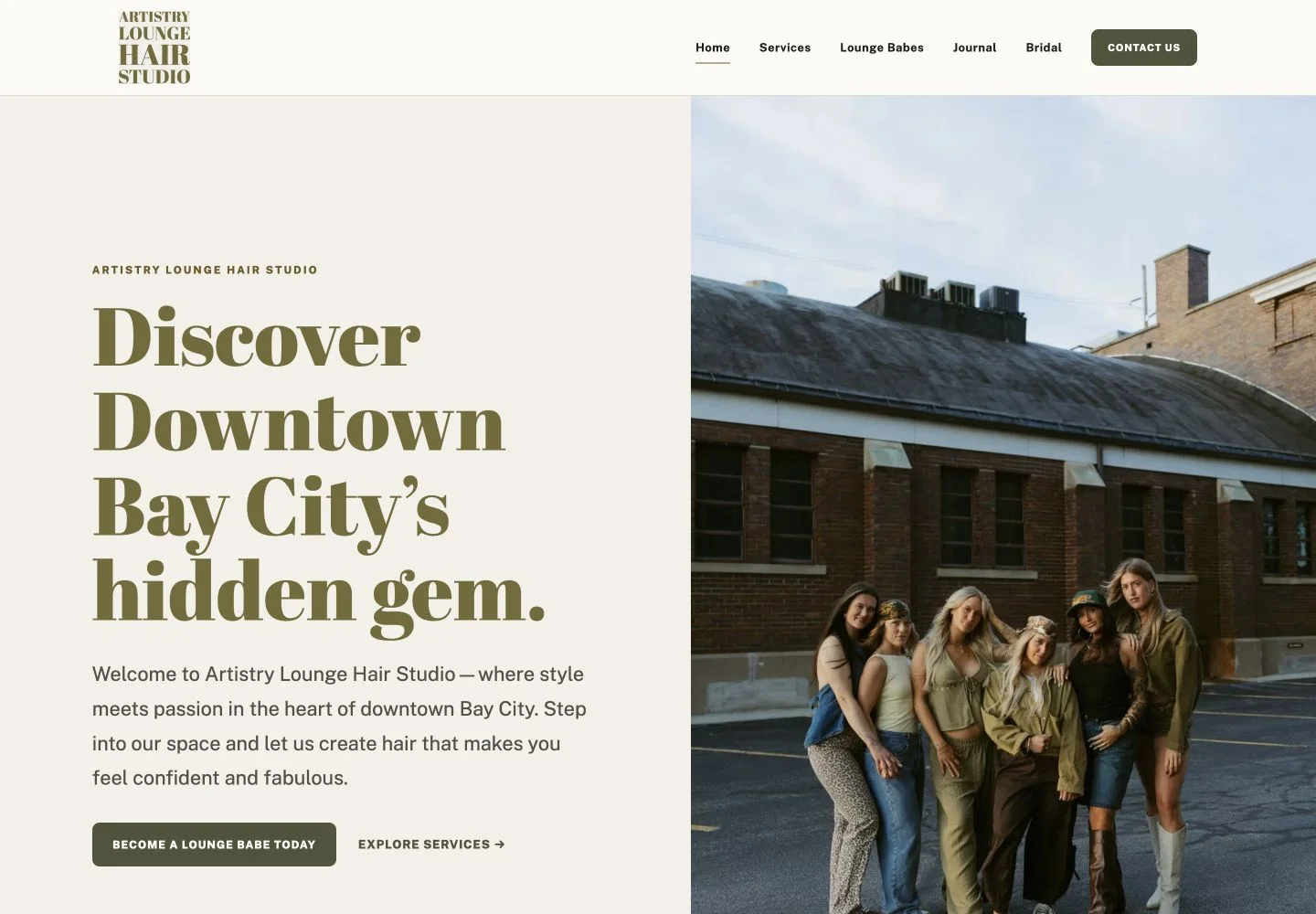
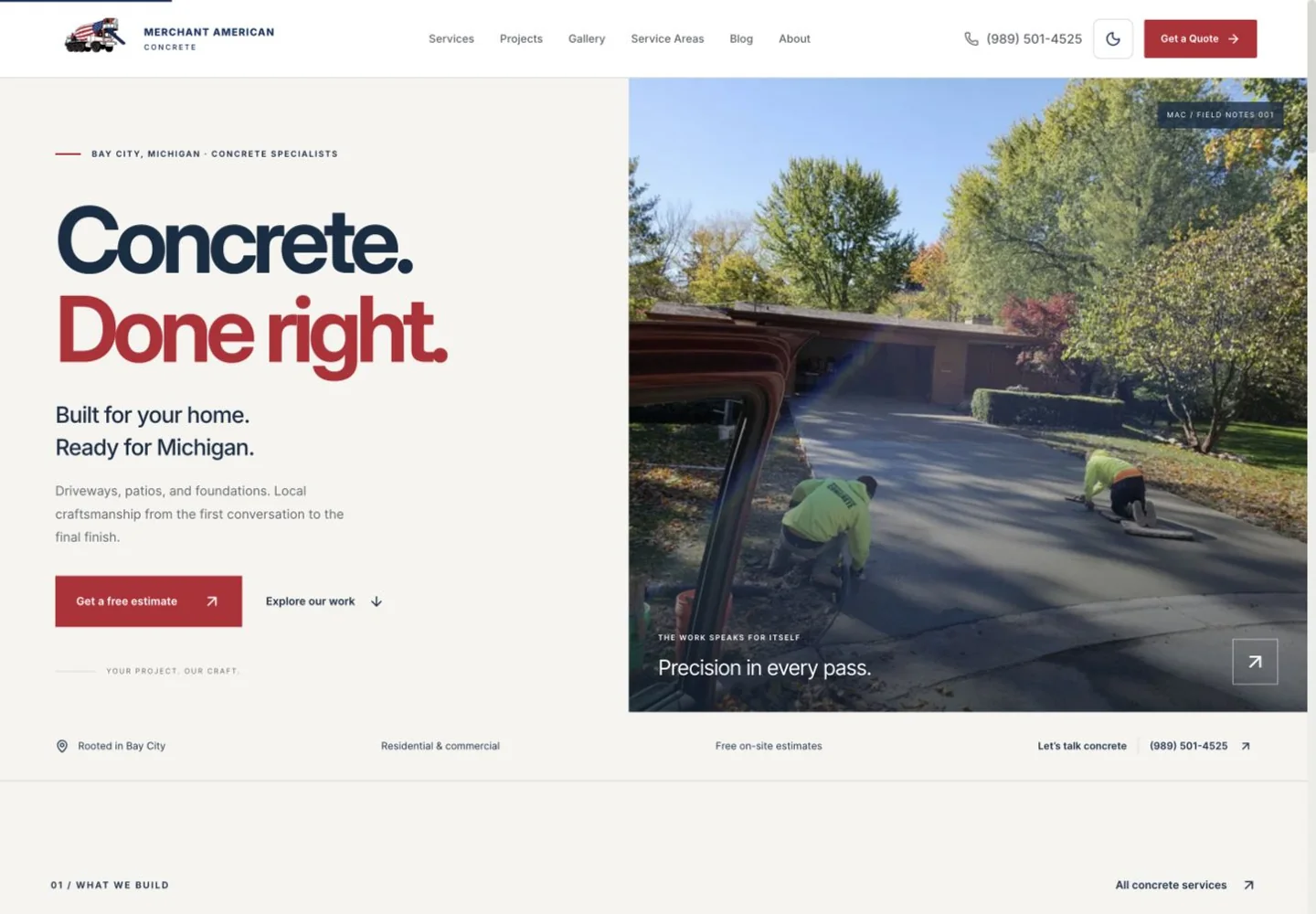
The Merchant American Concrete project shows one estimate-inquiry structure. The Artistry Lounge project shows separate salon and bridal paths. Use examples to clarify the task, then decide what fits your own business.
List what should stay and what should change
Bring your existing URL and make two short lists. Keep the pages, photographs, explanations, and customer questions that are still useful. Separately, note information that is outdated, hard to find, or difficult for you to maintain.
If you have Search Console or analytics access, identify the pages people already visit. Ask your web designer to account for existing page addresses and links before moving content. A redesign should include a plan for useful existing URLs, not just a new homepage.
Prepare the facts a customer needs
Gather your main services, actual service area or location, contact details, and the hours or availability you can support. Include questions customers repeatedly ask before buying.
For each service, write one sentence about who it is for and what is included. You can refine the wording later. Accurate notes are more useful at the start than polished language that leaves the scope unclear.
Choose examples you have permission to use
Collect a few photographs or finished projects that represent the work you want more of. Note what each image shows, who owns it, and whether you have permission to use it on the website.
For testimonials, preserve the person's approved wording and attribution. For performance claims, bring the evidence and the period measured. If there is no reliable measurement, describe the work itself.
Identify the accounts without sharing passwords
Find out who controls your domain, hosting, email, business profiles, and analytics. Record the account owner and where access is managed. Do not place credentials in the brief.
If a previous provider manages an account, resolve access and transfer responsibilities before launch. Agree on ownership and handover in the written scope so everyone knows what happens when the project ends.
Plan who receives and answers inquiries
Choose the inbox or system that receives requests and the person responsible for checking it. Decide what information is necessary for a useful reply and what can wait until a conversation.
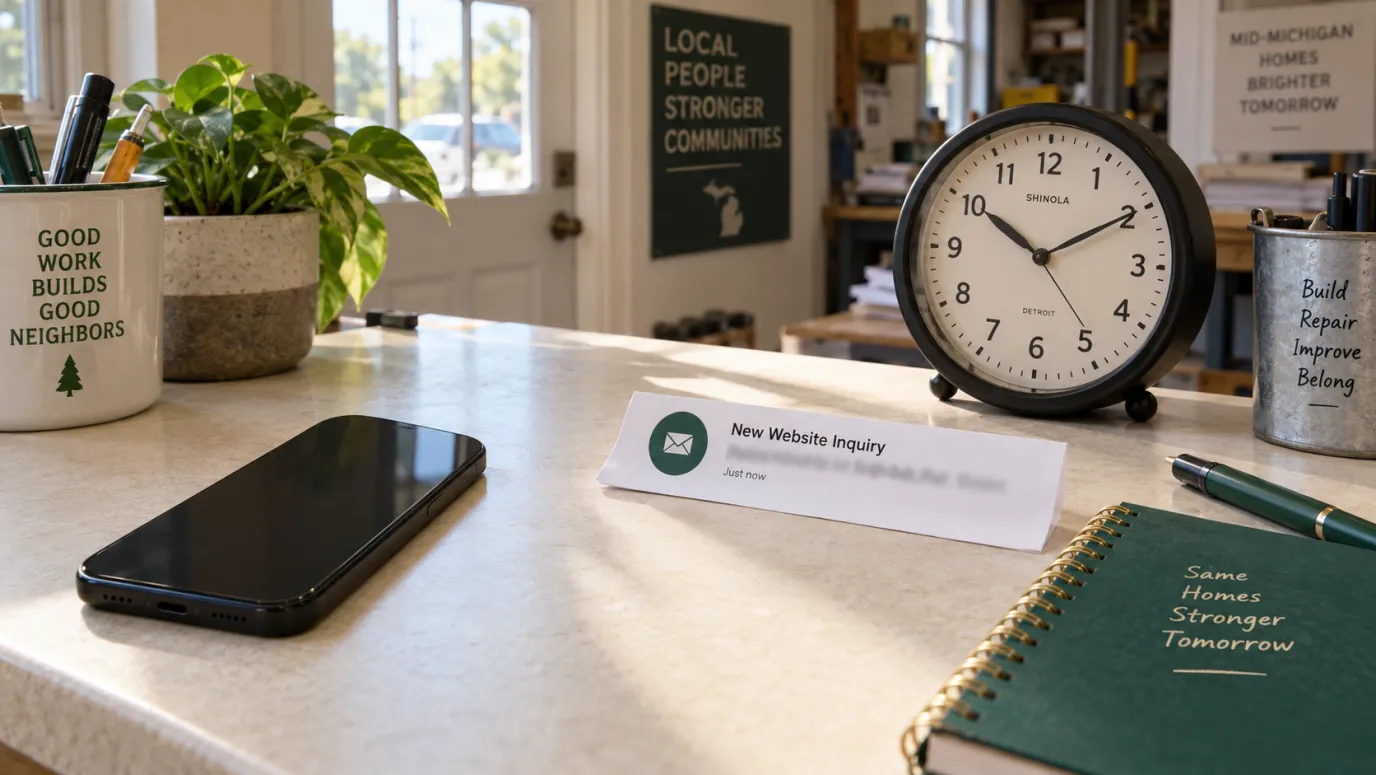
Before launch, test the full path: a visitor submits, the request is stored, a notification arrives, and the responsible person can reply. A confirmation on the website is only one part of that check.
Use this short brief
Copy these prompts into your notes. Leave unknowns marked as questions.
- Business and location: What do you do, and where do you serve customers?
- Current website: What exists now, and who can provide access?
- Main services: Which work should the site explain and support?
- Customer action: What should a visitor do next?
- Keep: Which pages, assets, or features still work well?
- Improve: What is outdated, unclear, or difficult to maintain?
- Examples: Which photos, projects, or testimonials are approved for use?
- Inquiry owner: Who checks requests and follows up?
- Timing: Is there a real deadline or business event to plan around?
- After launch: Who handles updates, and what care should be included?
A clear brief helps you compare proposals on the work included, responsibilities, revisions, timeline, and ongoing support. Exact scope and fee should be agreed together.
If you are ready to work through those questions, explore website design and care or send a short introduction through the inquiry form there.