Why the profile matters more with AI in the loop
Google's May 2026 Search Central guide on generative AI features names Google Business Profiles alongside Merchant Center as products that can help local and product information show in AI responses and in other Search results. That is not a promise that a complete profile will place you in an AI Overview. It is Google saying the profile is part of the same local data path its AI features already draw on.
Most people who start on an AI tool still verify elsewhere before they call. In BrightLocal's 2026 consumer search-behavior research, of consumers who started their most recent local search on an AI tool, 43% went on to check Google. Only 18% of AI users in that research felt ready to contact the AI-recommended business without further checking. The profile is where an AI answer gets checked.
The profile is where an AI answer gets checked.
The Google Business Profile optimization checklist, by what reads it
Work the tables in order. Each row names the field, which AI surface (or customer check) reads it, what "done" looks like, and whether the limit or rule is documented by Google or good practice. Limits below cite Google's own Business Profile Help pages, not agency checklists.
Identity (name, categories, address or service area, phone, website)
| Field | What reads it | Done looks like | Source / label |
|---|---|---|---|
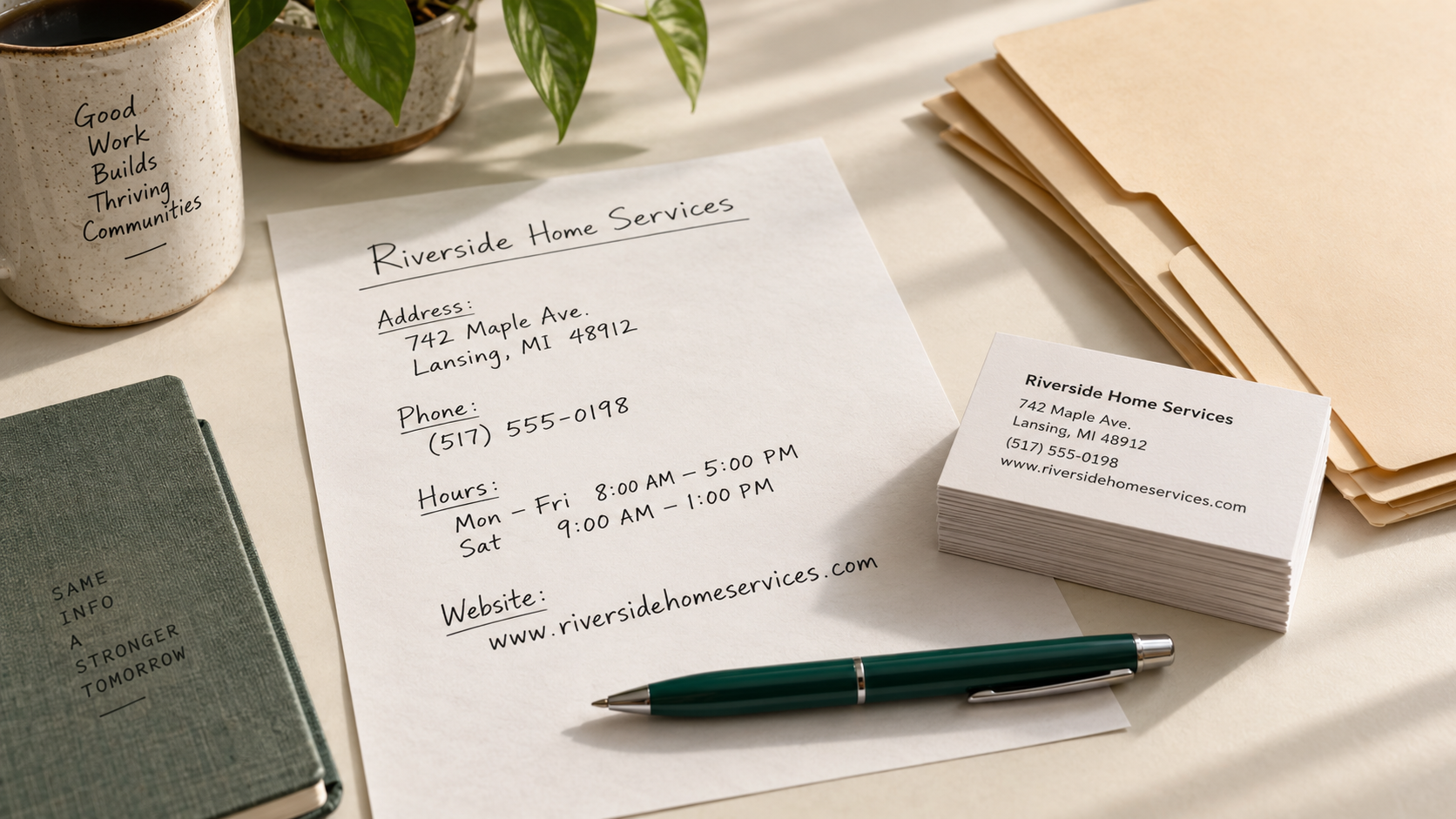
| Business name | Search, Maps, AI Overviews / AI Mode local answers; customers verifying after an AI shortlist | Exact legal/signage name; no keyword stuffing | Documented by Google — representation guidelines |
| Primary category | Local relevance matching across Search and Maps; feeds which profile features you get | One specific primary that completes "this business IS a…" | Documented by Google — category Help |
| Additional categories | Same local surfaces; opens some category features | Up to 9 additional; only real departments/types, not keyword lists | Documented by Google — Edit profile / category Help |
| Address or service area | Maps place card; "near me" and service-area questions | Accurate street address, or hide address and set a true service area if you visit customers | Documented by Google — Edit profile |
| Phone | Customer calls; Google automated calls when the number is public | A number you answer; hide it only if you truly do not take public calls | Documented by Google — Edit profile / advanced settings |
| Website | Customers verifying; AI answers that link out | Full https URL that matches the facts on the profile | Documented by Google — Edit profile |
Google documents one primary category plus up to nine more. Prefer the most specific primary that is still accurate. Do not add categories as keywords, and do not add categories for co-located businesses you do not own. Eligibility still matters: if customers do not visit a public location and you are not a genuine service-area business, fixing fields will not fix an ineligible listing.
Services and prices (AI Mode and automated calls)
| Field | What reads it | Done looks like | Source / label |
|---|---|---|---|
| Services list | AI Mode availability/pricing research; Google automated calls about services; customers comparing profiles | Every real service under customer wording; custom names without prices or phone numbers in the title | Documented by Google — services Help; AI Mode / automated-calls Help |
| Service descriptions | Same surfaces when present | Short plain descriptions of what is included | Documented by Google — services editor allows descriptions |
| Service prices / ranges | AI Mode and automated calls confirming price; customers | Add prices only if you will honor them when Google or a customer asks | Documented by Google — optional price field; good practice: only if accurate |
Google's AI Mode Help says the feature can research service costs and open appointment slots, and can call a business when the details are not online. Google's Business Profile Help on automated calls says Google may call to confirm price and availability of products and services. Listing services in customer language reduces the chance that the first answer about you is a robot on your phone asking what you offer.
Custom service names must not include prices, phone numbers, personal information, or profanity — Google says those are rejected. Prices belong in the optional price field, not in the name.
Hours and special hours (automated calls and Ask Maps)
| Field | What reads it | Done looks like | Source / label |
|---|---|---|---|
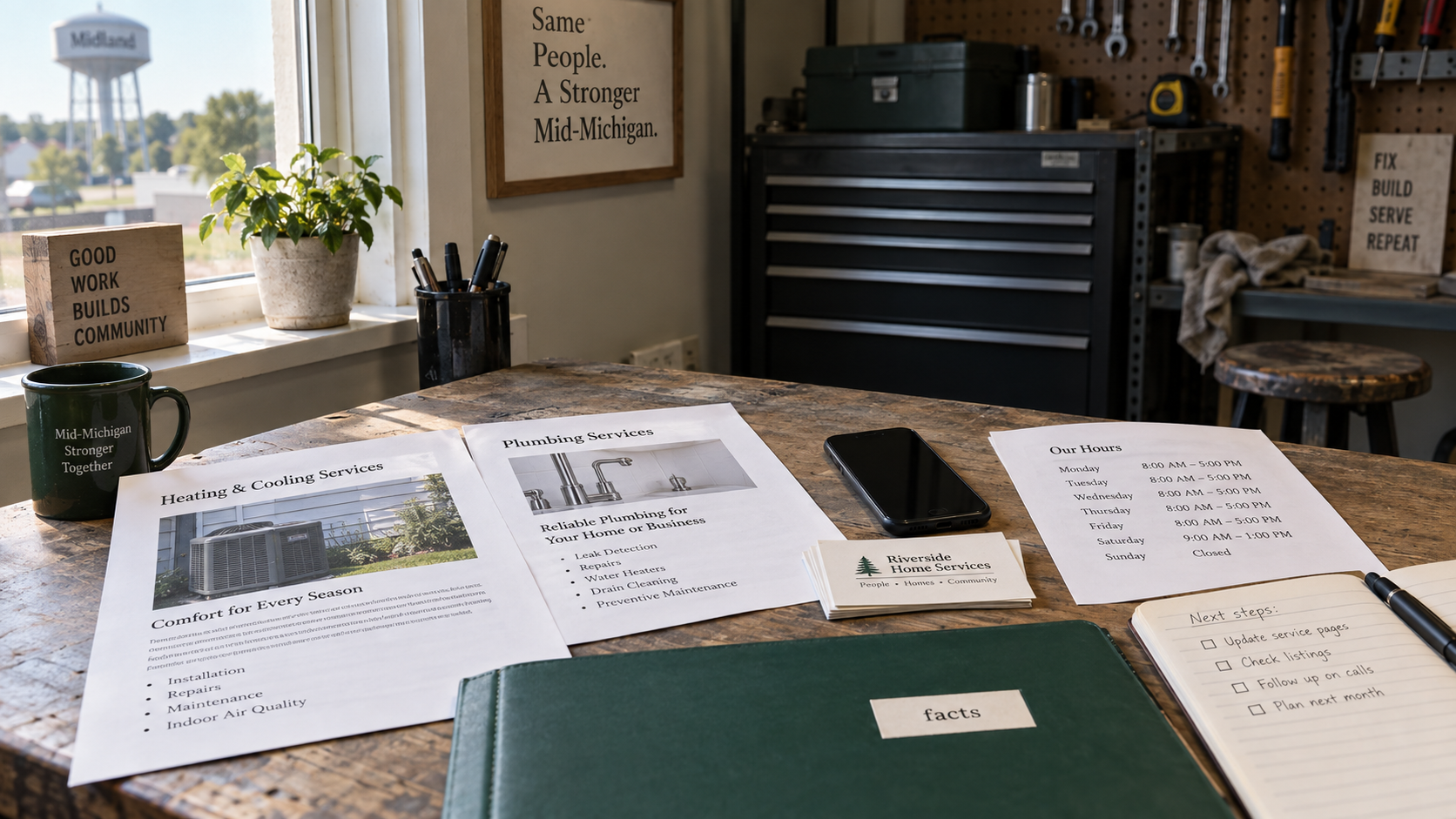
| Regular hours | "Open now" questions; automated confirmation calls; Ask Maps planning questions | Hours you actually keep | Documented by Google — Edit profile |
| Special hours | Holiday and temporary changes on Maps and Search | Special hours for closures or shifts of up to 6 consecutive days; temporarily closed for 7+ days | Documented by Google — Special hours Help |
| More hours | Service-specific windows (delivery, senior hours, and similar) | Separate hours only when the service window differs | Documented by Google — Special hours / More hours |
Ask Maps, announced March 2026 for the U.S. and India on Android and iOS, answers multi-constraint questions about places using Maps' place data and community reviews. Google's examples include questions about amenities, seating, hours, and constraints ("table for 4 at 7 tonight"). Hours that are wrong break those answers before anyone reads your description.
Attributes (Ask Maps multi-constraint questions)
| Field | What reads it | Done looks like | Source / label |
|---|---|---|---|
| Factual attributes | Ask Maps-style multi-constraint questions; place cards customers open after an AI shortlist | Every factual attribute that is true for your location; leave subjective ones to customers | Documented by Google — attributes on Edit profile; Ask Maps product post for multi-constraint questions |
Attributes vary by category and country (Wi-Fi, outdoor seating, wheelchair access, payments, and other options). Fill the ones you can verify. Google distinguishes factual attributes you edit from subjective ones based on visitor opinion — do not try to "win" the subjective set.
Description and photos
| Field | What reads it | Done looks like | Source / label |
|---|---|---|---|
| Business description | Place card; customers verifying; Gemini can help draft where available | ≤750 characters; what you offer, where, for whom; no URLs, HTML, or promo/price stuffing | Documented by Google — Edit profile |
| Photos and videos | Place card recognition; customers checking after AI | Real exterior, work, and team photos; JPG/PNG, 10 KB–5 MB, recommended 720×720, minimum 250×250 | Documented by Google — photos Help |
Google does not publish a ranking bonus for posting weekly or for a magic photo count. Photos help customers recognize the business and understand the work. Use real photos that represent the location; Google's photo tips ask for images that represent reality without heavy filters or excessive AI alteration.
Reviews and replies (AI review summaries)
| Field | What reads it | Done looks like | Source / label |
|---|---|---|---|
| Review text | AI-generated review summaries; Ask Maps and other Maps answers that lean on community reviews | Genuine reviews that name real services and outcomes | BrightLocal LCRS 2026 (consumer survey); Ask Maps uses community reviews |
| Owner replies | Same summaries and customer trust checks | Specific replies; no incentives for sentiment; human approval on any AI draft | Documented by Google — review tips; FTC Consumer Reviews Rule |
In BrightLocal's Local Consumer Review Survey 2026 (1,002 U.S. adults), 82% of consumers said they read AI-generated review summaries; 23% said they would rely on those summaries alone. The words customers write become the material those summaries compress. For reply drafting and policy boundaries, see using AI to reply to Google reviews.
Google allows asking customers for a review with a link or QR code and without an incentive. Offering free or discounted goods for reviews, for changing reviews, or for removing negative reviews is prohibited on Google. The FTC's Consumer Reviews and Testimonials Rule (effective 2024-10-21) bans fake reviews, including AI-generated fake reviews, and bans incentives conditioned on a particular sentiment. Drafting a reply with AI is not the same as fabricating a review — keep a human approving anything that posts under your name.
Do not convert a Google review request into a Yelp ask. Yelp's policy prohibits businesses from soliciting reviews.
Booking and action links
| Field | What reads it | Done looks like | Source / label |
|---|---|---|---|
| Booking / reservation / appointment links | AI Mode booking flows via partners; customers taking the last step | Working partner or site link for the actions you actually offer | Documented by Google — AI Mode partner post; Edit profile action links |
| Order / other action links | Place card actions | Only links you maintain | Documented by Google — Edit profile / Gemini action-link management |
Google's August 2025 AI Mode post describes agentic booking starting with restaurant reservations through partners such as OpenTable, Resy, Tock, and Booksy, with expansion toward local service appointments. Availability has been experiment- and region-limited; treat partner booking as a convenience path, not a ranking lever. If you already take appointments online, put the real booking link on the profile so a customer (or an agentic flow) does not need a phone intermediary.
Should you allow Google's automated calls?
Google may call the public number on your Business Profile to confirm hours or services, and — separately — may call on a customer's behalf to book an appointment, check a restaurant wait time, or confirm price and availability. Those customer-facing calls are monitored and recorded. In the U.S., Google's Help page says the feature is available in all states except Indiana, Louisiana, Minnesota, Montana, and Nebraska, and that availability is still limited by region and language.
Opting out is allowed. In Business Profile settings → Advanced settings, you can turn off bookings and inquiries from customers, profile-update calls, and posts Google makes on your behalf. You can also say on the call that you want the calls stopped. After opt-out, Google says you may still get occasional manual confirmation calls.
The trade-off: if your services, hours, and prices are incomplete online, opting out removes one way Google can still answer the customer — and it may also remove a booking path you would have accepted. If those facts are complete and accurate on the profile and site, automated calls matter less because Google has less reason to phone you. The fuller walkthrough of what the calls sound like, and how to tell them from scams, is in why Google may be calling your business.
Scam signs from Google's own fraud guidance: a real Google call identifies itself and states a narrow purpose; it does not ask for payment, passwords, or a guaranteed ranking. If someone demands money to "keep you on Google," hang up. Report U.S. scam calls through the FTC and Google's Business Profile complaint form when useful.
Let Gemini help (with limits)
Google lets eligible owners connect a verified Business Profile to the Gemini web app to draft review replies, create posts, update hours and attributes, manage action links, and read performance metrics and search keywords. Business notebooks can surface missing hours, description gaps, and photo suggestions.
Limits matter more than the demo. As of Google's Help page for this feature: rollout is gradual; it is available where the Gemini web app is supported except the European Economic Area and the United Kingdom; it is limited to listed languages; it requires a personal Google Account (not work/school); Keep Activity must be on; and it is only for owners or managers of a single verified profile. Gemini drafts replies — keep a human approving anything that publishes.
Mirror the facts on Apple and Bing
Apple Business replaced Apple Business Connect on 2026-04-14. Apple's announcement says brand and location tools move into Apple Business, covering place cards across Apple Maps, Safari, Spotlight, Wallet, and related surfaces, with existing Business Connect data migrated. Put the same name, hours, service area, and website there that you use on Google.
For Microsoft surfaces, claim and complete Bing Places for Business. Microsoft's support documentation directs businesses to Bing Places to add or change information that appears in Bing Maps search results. Keep the listing consistent with Google and Apple. This post does not claim a documented direct data path from Bing Places into Copilot; treat Bing Places as Microsoft's local listings surface and keep the facts aligned.
Directory and citation consistency beyond Google, Apple, and Bing is covered in local citations for AI search. Broader AI-search hygiene for a small business site sits under AI SEO for small business.
A 20-minute monthly maintenance routine

- Confirm regular hours and add special hours for the next holiday or planned closure.
- Add or retire services so the list matches what you currently sell, in customer wording.
- Upload a few new real photos of recent work or the exterior (within Google's format and size limits).
- Clear the review reply queue; approve any Gemini drafts before they post.
- Open Performance: calls, direction requests, website clicks, bookings, and the search keywords customers used — the same metrics Gemini can summarize when connected.
That routine will not guarantee placement in AI Overviews or Ask Maps. It keeps the facts those surfaces read from going stale.