Three reports, three questions
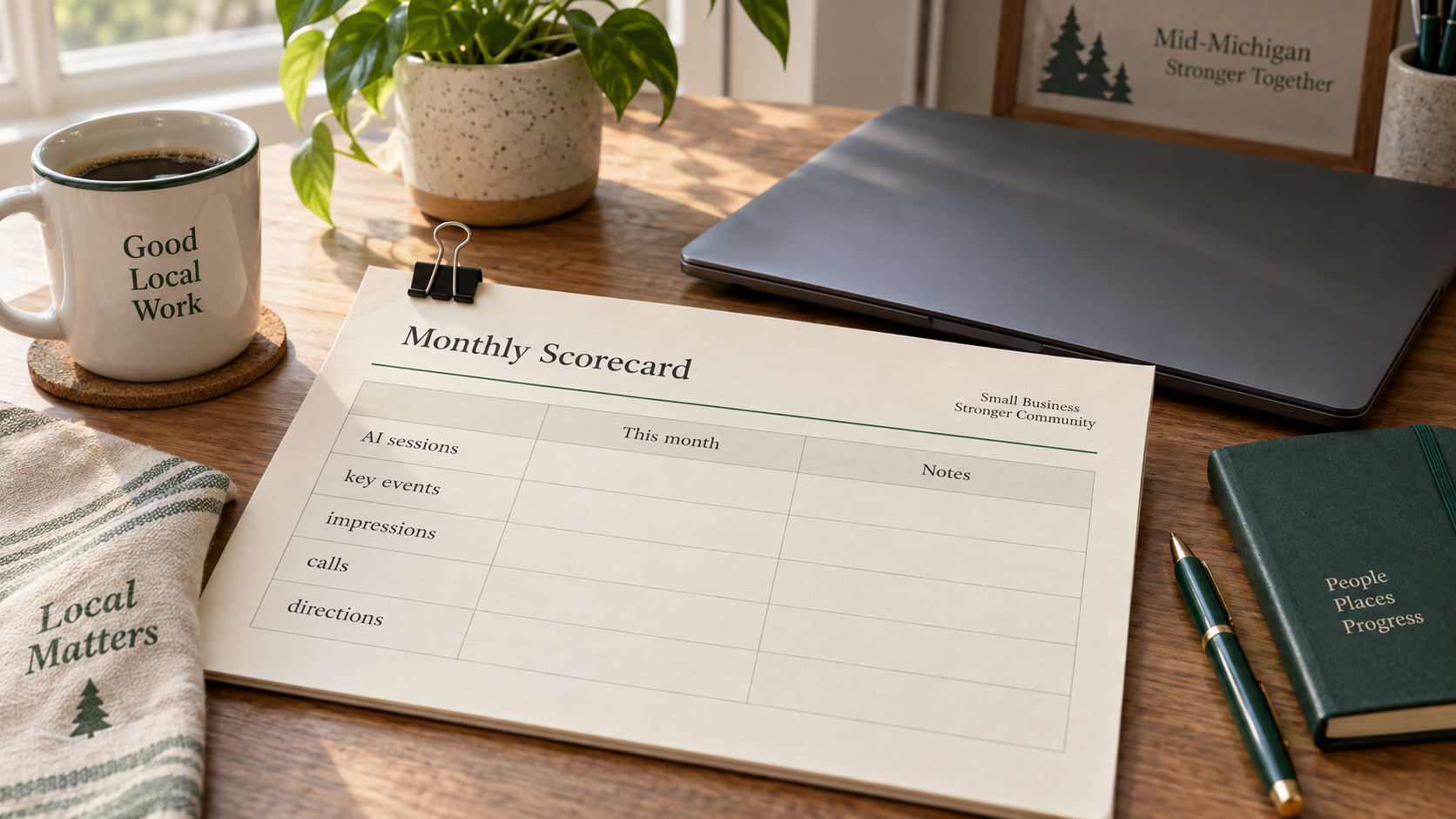
The hard part is that "AI traffic" is three different things, and the tools you already use each answer a different one.
| Question | Tool | What you get | What you don't |
|---|---|---|---|
| Did someone leave ChatGPT (or another listed assistant) and open my site? | GA4 AI Assistant channel, plus Session source | Sessions and key events from recognized chatbots that send a referrer or utm_source | Whether an assistant named you; Google AI Overview / AI Mode visits |
| How often did my pages appear in Google's AI Overviews or AI Mode? | Search Console Generative AI report | Impressions by page, country, device, and date | Clicks, queries, rank, or CTR |
| Did someone call, ask for directions, or click through from my listing? | Google Business Profile performance | Calls, direction requests, website clicks, and related profile actions | Which AI feature (if any) put you in front of them |
None of those columns is a ranking. They are visit counts, impression counts, and local actions. Treat them as three scorecards, not one "AI SEO" number.
How to track AI traffic in GA4 from ChatGPT and other assistants
Start in Google Analytics 4 with the native channel before you build anything custom.
Find ChatGPT sessions
- Open Reports → Acquisition → Traffic acquisition.
- Set the primary dimension to Session default channel group and look for AI Assistant.
- Change the dimension to Session source (or add it as a secondary dimension) and search or filter for chatgpt.com.
- Also check Session manual source when you are hunting tagged links, and glance at Unassigned — ChatGPT appends utm_source=chatgpt.com to search referrals, often without a matching utm_medium, which can leave a session unmatched until a channel rule covers the source.
OpenAI's publisher FAQ still states that ChatGPT adds utm_source=chatgpt.com so analytics tools can attribute those clicks. That tag is useful; it is not proof that ChatGPT recommended you. It only proves someone arrived from a ChatGPT URL that carried the parameter.
The AI Assistant channel
Google Analytics added an AI Assistant channel to the Default Channel Group on 13 May 2026. Google's help text describes it as traffic from sources like ChatGPT, Gemini, DeepSeek, Copilot, or Grok. The same definition excludes Google's AI Overviews and AI Mode; those stay in Organic Search when a click is attributed at all.
When a referrer matches Google's AI Assistant list, Analytics sets the medium to ai-assistant and the campaign to (ai-assistant). You do not configure that for the listed sources. You also cannot edit the Default Channel Group to add tools Google left out.
Expect a clean break at the launch date: sessions before the channel existed will not rewrite themselves into AI Assistant under the default group. Use Session source filters or a custom channel group if you need older history.
At retrieval, Google's channel description does not name Perplexity. If you care about that referrer — or any other assistant still missing from the live list — treat it as a custom-group problem, not a bug in the native channel.
A custom channel group only for missing assistants
Build a custom group only for assistants the Default Channel Group still omits. Google documents an AI assistants example under Admin → Data display → Channel groups: create a channel, match Source with a regex of the assistants you care about, save it, then reorder so that channel sits above Referral (and above Organic Search if needed). Rules run top-down; the first match wins.
Do not treat any published regex as permanent. Assistant hostnames change, and Google's own note says to update the expression when URLs or the list of assistants change. Copy Google's example as a starting point, test it against a few real Session source values in your property, and keep the rule short enough that you will maintain it.
Custom channel groups can be applied to reports retroactively once saved. That helps history; it does not invent referrers that never arrived.
Google's AI features in Search Console
Open Search Console and go to the Generative AI performance report for Search (under Performance). As of 31 August 2026, Google says the report is available to websites worldwide. If you still do not see it, the usual reasons are insufficient generative AI impressions or a site that was excluded from Search generative AI features.
The report covers AI Overviews and AI Mode only. It is an impressions report: how often links to your site were shown in those features, broken out by page, country, device, and date. Google's June 2026 launch post listed those dimensions and did not include clicks or queries; the live help page still describes impression data the same way. Do not invent a CTR from this report.
Impression counting is not the same as ordinary blue-link impressions. Secondary reporting of Google's rules (Search Engine Journal, June 2026) is worth keeping in mind: in AI Overviews, a link generally needs to be scrolled or expanded into view before it counts; in AI Mode, a follow-up can count as a new impression. Do not pour generative impressions into the same bucket as classic organic impressions and call the sum visibility.
Google also gives site owners an inclusion setting for Search generative AI features. A site must be included to be eligible to appear in those features. Opting out removes your content from AI Overviews, AI Mode, and related generative surfaces without removing you from classic results. That is a real trade-off, not a growth tactic. This post assumes you leave inclusion on unless you have a specific reason to hide from those features; Cleland & Co. does not recommend opting out as a default.
What these reports will not show
Copied links, typed URLs, and in-app visits that strip the referrer can look like Direct. A single-brand study covered by Get Search Engine (summarizing research published via Search Engine Land on 18 August 2026) tracked 51,200 events tied to 1,661 cited snippets for one transportation brand from September 2025 through June 2026 and found 22.4% of those identified AI Overview–related events classified as Direct in GA4. That figure is one brand, one method, and one date range. It is not "22% of your Direct traffic is AI," and it is not a benchmark you should apply to your own property.
AI Overview and AI Mode clicks, when Analytics attributes them, sit inside Organic Search, not the AI Assistant channel. You will not get a clean AI Overview sessions row in GA4 from the default reports.
These tools measure some visits and some impressions. They do not measure whether an assistant names your business in an answer.
The local scorecard
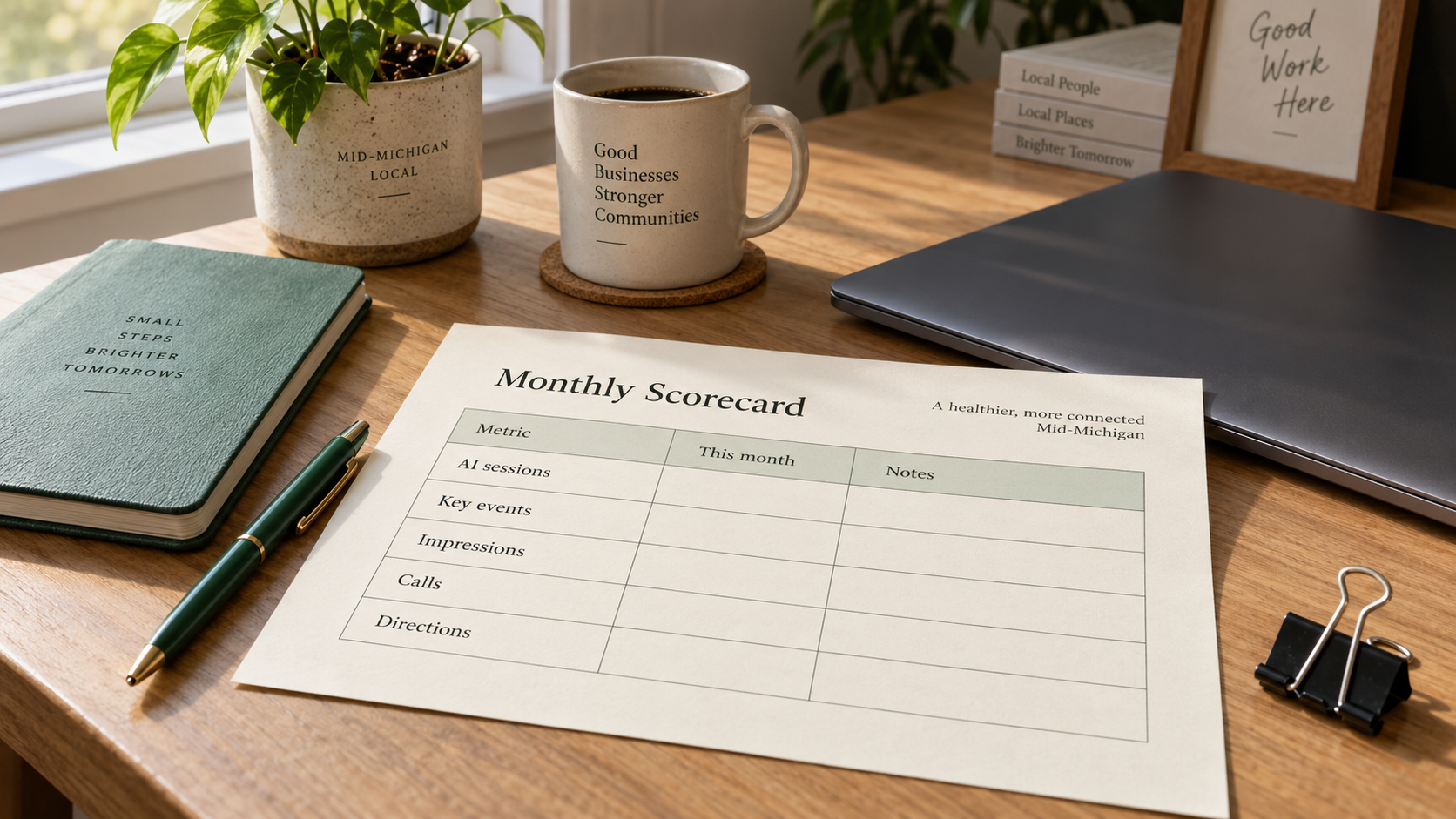
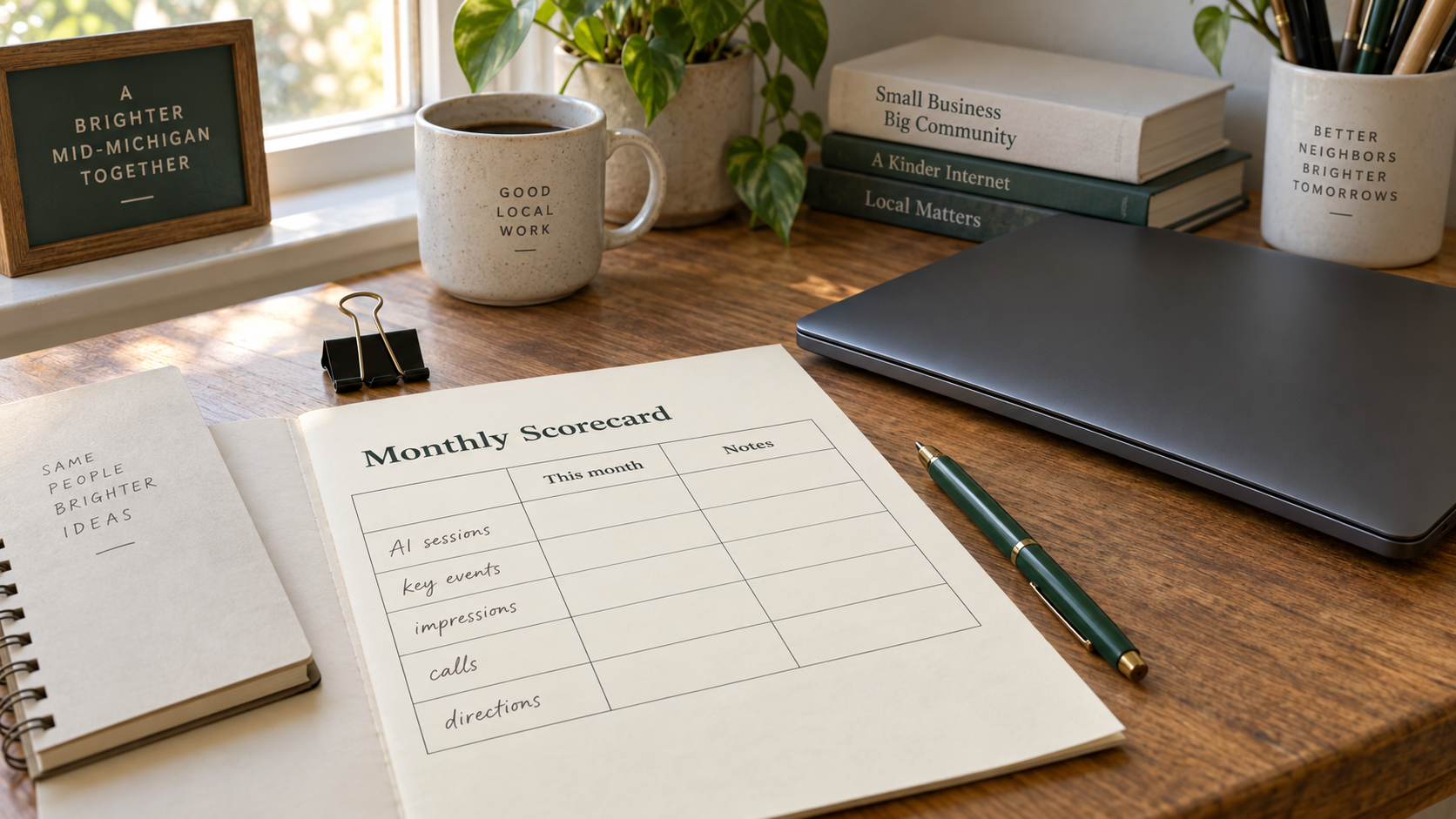
For a shop, clinic, contractor, or office, the useful monthly page is short enough to fill by hand.
| Metric | Where to read it | This month | Notes |
|---|---|---|---|
| AI Assistant sessions | GA4 → Traffic acquisition → Session default channel group | Floor, not a full AI picture | |
| Key events from AI Assistant | Same report, key events column | Form submits, calls tracked on-site, bookings — whatever you already mark | |
| Top AI Session sources | GA4 → Session source filtered to assistants | chatgpt.com and others that actually appear | |
| Generative AI impressions (total) | Search Console → Generative AI report | Impressions only | |
| Top pages by AI impressions | Same report, Pages tab | Compare to pages that actually take calls | |
| Business Profile calls | Business Profile performance / insights | Often the real outcome | |
| Direction requests | Same | ||
| Profile website clicks | Same | ||
| Branded searches (if available) | Search Console Performance, query filter for your name | Separate from generative impressions |
A month of zeros is a baseline, not a failure. Website sessions from chatbots can stay quiet while people still call from a Maps listing or after checking a name they heard in an answer. Getting named in an assistant is also not the same as getting the click — that sampling distinction is the point of how to get your business on ChatGPT: one check is an anecdote; a rate needs repeated samples. For how Google's AI surfaces change local search behavior more broadly, see local SEO in 2026 and AI Overviews. The wider playbook sits in AI SEO for small business.
A 30-minute setup
- Confirm GA4 is receiving traffic and that key events you care about (form submit, click-to-call, booking) are marked.
- Open Traffic acquisition, set Session default channel group, and note whether AI Assistant appears.
- Switch to Session source, filter chatgpt, and save a bookmark or exploration for next month.
- Check Unassigned once for sessions with chatgpt.com in the source that never matched a channel rule.
- Open Search Console → Generative AI performance report; confirm the property is included in Search generative AI features if the report is empty for the wrong reason.
- Export or screenshot AI impressions by page for the last 28 days.
- Open Business Profile performance and record calls, direction requests, and website clicks for the same window.
- Optional: create one custom channel group for assistants missing from Google's list; place it above Referral; test against live Session source values; do not paste an untested regex from a blog.
- Put all of the above on one monthly sheet. Revisit the same sheet next month before you change the website.
That is the whole job for most local sites: three honest numbers, written down, compared over time.